

Looking for how to get an ISBN in Canada? Check out this post.
First, let’s get a little context on ISBNs.
What is an ISBN?
An ISBN, or International Standard Book Number, is a unique string of numbers used to identify a given book in any system around the world. Each ISBN used to have ten digits, but since 2007 they have used thirteen digits.
One ISBN per format and edition
Every format of a published book needs an individual ISBN. If a single publisher is selling the same edition of a book in multiple countries, the same ISBN is used in each country.
If, instead, the rights to publish a foreign edition are sold to a different publisher, they create their own edition for their territory and apply their own ISBN to it.
New editions of an existing book also need new ISBNs. If a publisher puts out a special anniversary edition of a book with some extra features, or an expanded edition with new content, or a book club edition with integrated discussion questions, each of those needs its own ISBN. Otherwise, buyers wouldn’t be able to guarantee they would get the new edition instead of the old one.
All ISBNs are created equal. Once a publisher has acquired one, they can assign it to an ebook, a print book, or any other format.
Do I need to acquire my own ISBN to self-publish a book?
If you’re self-publishing a book, you might acquire your ISBN for free through Amazon or Ingram Spark, or as part of a self-publishing package offered by a vanity press. However, there are benefits to applying for your own.
The ISBN system was designed for publishers to obtain a block of ISBNs at the same time, all with the same publisher prefix (confusingly, this “prefix” is in the middle of the ISBN, but it comes before the digits that count upward for each ISBN you assign). That publisher prefix cannot then be assigned to another company. If one business acquires a block of ISBNs and sells them off individually, that initial business’ name is permanently associated with each one and cannot be replaced with the purchaser’s name. That’s why every book published with a free Amazon KDP ISBN appears under the imprint name “Independently Published.”
If you’re only selling a book through your own website, you don’t need an ISBN. However, you’ll almost always need one to sell a book through a retailer.
How to purchase an ISBN in the United States
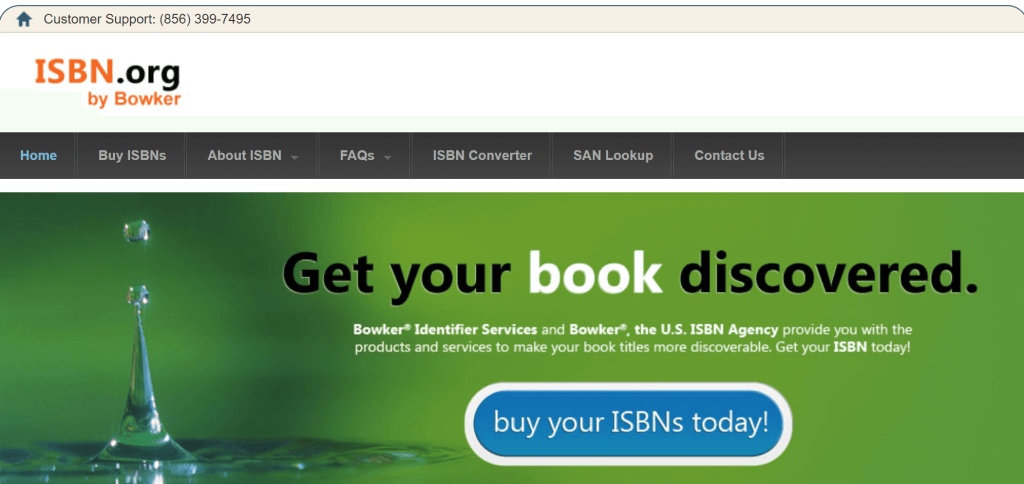
Bowker is the official ISBN agency in the United States. You can purchase ISBNs singly or in bundles from them at www.isbn.org. If you’re likely to publish more than one format of your book (whether print or digital), or to publish another book in the future, a bundle is worthwhile.
Getting Started with Bowker
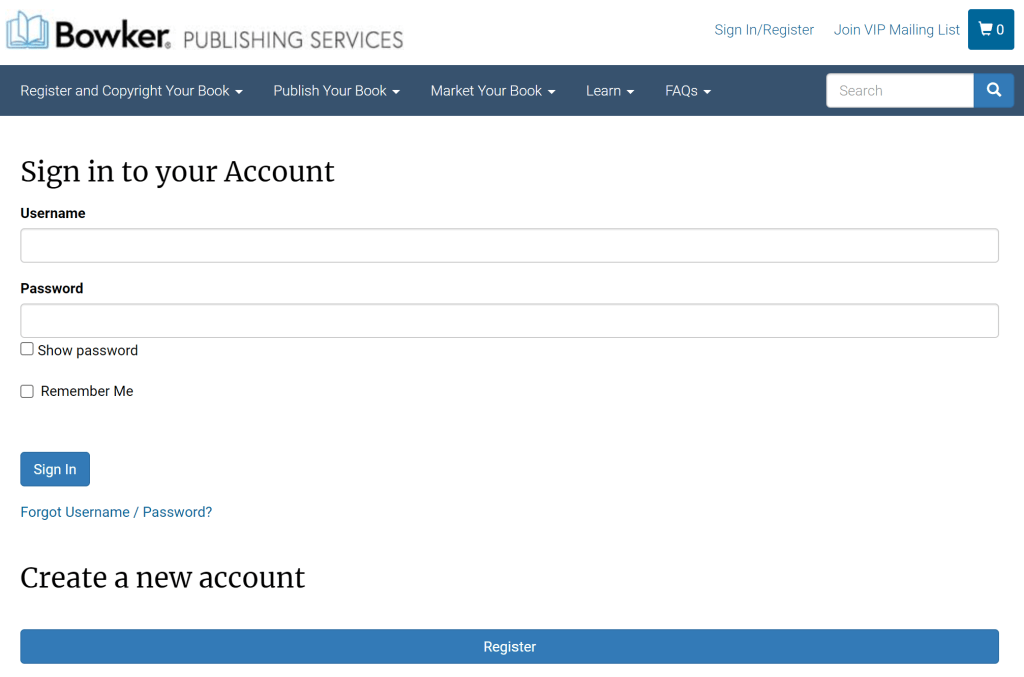
- Visit www.isbn.org.
- At the top right, click “Sign In/Register”, or click here to skip to registration.
- Under “Create a new account”, click “Register”.
- Under “New Bowker Customer?”, click “I am a New Bowker Customer.”
Register for Your Account
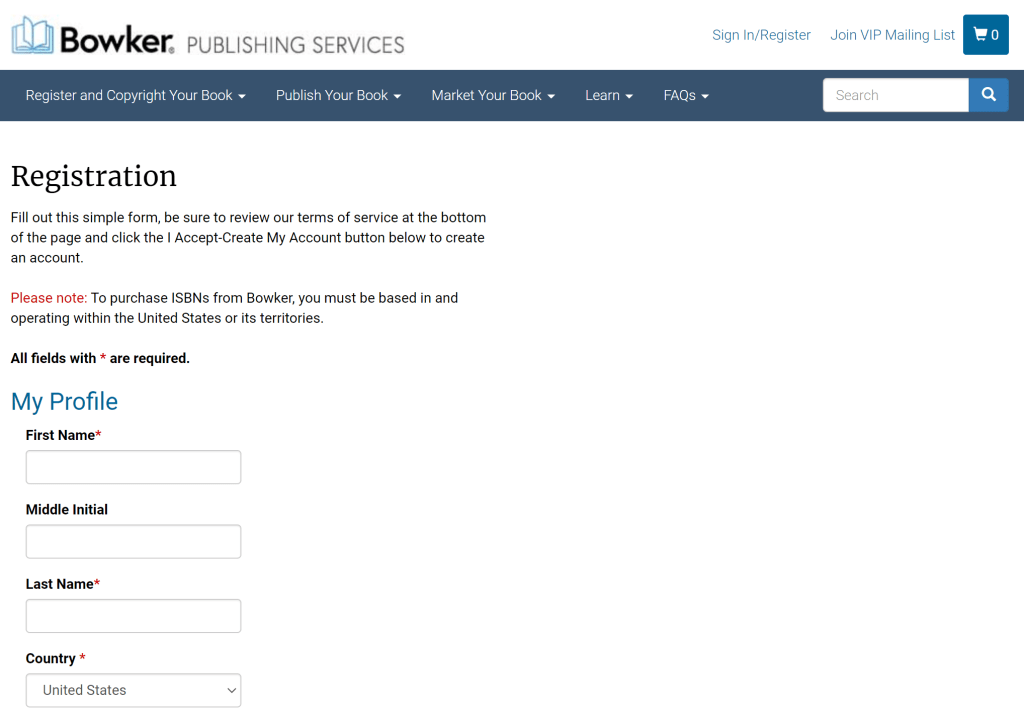
- Complete your personal information.
- Under “Organization Type,” choose “Self-Publisher.”
- Under “Company Name,” type the publisher name/imprint that you will want to appear on your copyright page and in your book’s online data.
- Accept the terms of use, Statement of Use, and Privacy Policy.
- Click “I Accept – Create My Account!”
Make Your Purchase
- Have a credit card ready.
- Choose which product/bundle you’re buying and check out.
- You’ll have the option of completing a survey that helps Bowker better understand the people who are using their service.
- You’ll also have the opportunity to sign up for their VIP email list.
Once your purchase is made, make sure that you accurate transcribe your ISBN each time you use it, either in your book’s design file or in its metadata. It’s the most important identifier your book has in the digital marketplace and in any warehouse around the world.
Want More Publishing Insight?
Sign up for my free newsletter and receive behind-the-scenes intel about publishing tools, writing, self-editing and more in your inbox twice a month.

 Erin Alladin
Leave a comment